Autoplay vs Manual Spins in Big Bass Bonanza
The legendary fishing series returns with the Big Bass Bonanza 1000 slot, cranking up winning opportunities to new heights with a record-breaking 25,000x max win.
US 18+
Play responsibly
Only operators licensed by DGOJ


Introduction
Big Bass Bonanza offers two basic ways to play each round: pressing spin manually or letting the game run through auto-spins. The choice affects pace, attention, perception of risk and how you track your session. This article explains how both modes work, where the differences matter, what players typically get wrong, and how to keep control of time and budget without overthinking the interface.
How manual and auto-spins work in this slot
A manual spin is a single round you start by pressing the main button. An auto-spin is a sequence of rounds launched automatically according to your settings. In most versions you can choose a number of auto-spins and optional stop conditions such as a single-win cap, a loss limit, or stopping when a feature triggers. Exact options may differ by build; precise values can vary by version and operator.
In manual mode you decide the timing of each round and can pause naturally. In auto-spins the game advances without new clicks until a stop event or the counter ends. The underlying math doesn’t change between modes; what changes is how you interact with the game.
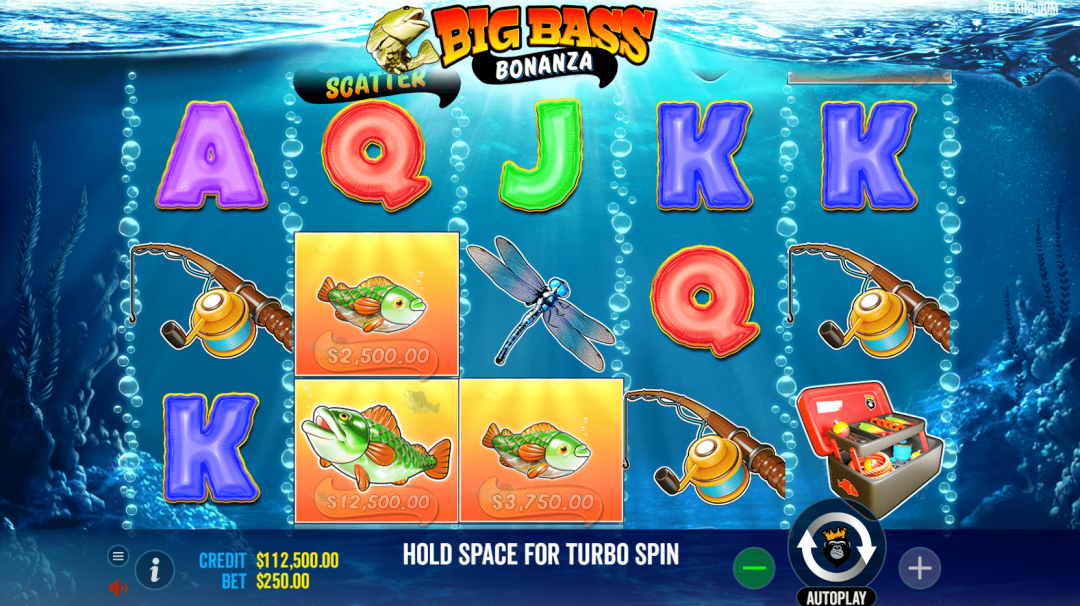
Key differences that really impact play
The core variance, expected return per spin and symbol weights are identical regardless of the button you press. Differences are practical:
-
Pace and focus. Manual spins slow the tempo and invite you to evaluate after each round. Auto-spins compress downtime and create a steady rhythm.
-
Micro-adjustments. Manual mode makes it easier to change stake or speed after any outcome. Auto-spins reduce friction but require pre-setting limits.
-
Attention to cues. With manual spins you’re more likely to notice subtle animations and sound cues. During long auto-blocks minor cues can blur into background.
-
Session structure. Auto-spins help test a fixed plan (for example, a set count of rounds). Manual mode fits sessions where you prefer flexible stops.
Common misconceptions and mistakes
A frequent misconception is that auto-spins “use different odds.” They do not. Rounds are independent; selecting auto does not alter symbol probabilities. Another mistake is launching a long auto-block without stop limits. If the game version offers stop on single-win, net loss, or feature trigger, set them before starting. A more subtle error is treating auto-spins as a “fast-forward” button and ignoring time. Define a time window upfront, even if you also set a round count.
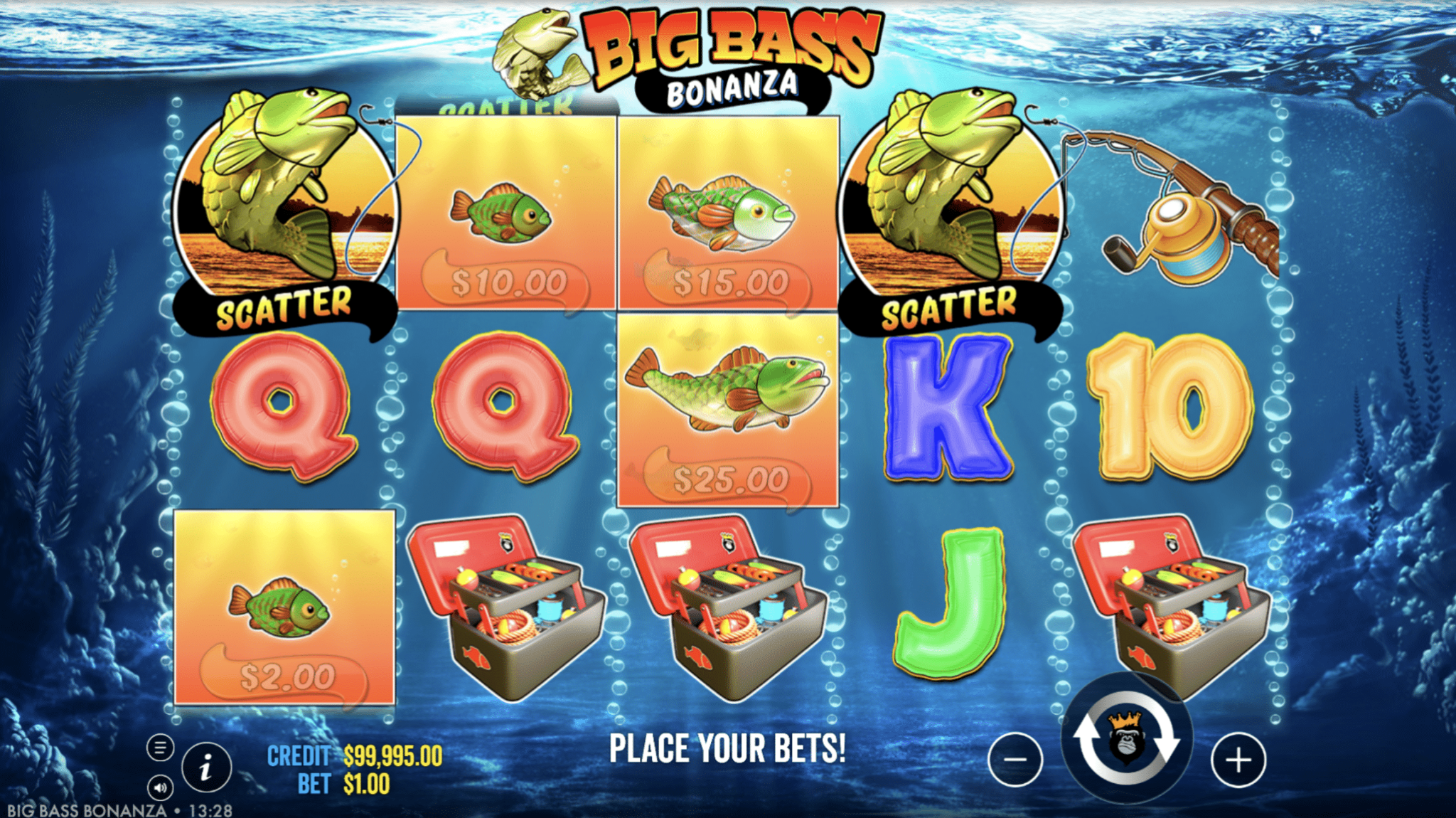
What stays under your control
Two levers matter more than the button you use:
-
Parameters. Stake size, spin speed (if quick/fast modes exist), auto-count and stop conditions. Precise options may vary by version and operator.
-
Session boundaries. Time box the session and decide a maximum net outlay. If there’s a demo mode available in your region, use it to learn pacing and UI without financial exposure.
-
Breaks. Plan a short pause after any extended auto-block to reassess settings and attention.
UX and visual effects: how the mode changes perception
Big Bass Bonanza relies on a clear symbol set and short transitional animations. Manual spins highlight those transitions; your brain reads small spikes of excitement from reel slowdowns and audio stingers. Auto-spins compress the cycle, so the same cues become background texture. If the version includes a quick-spin toggle, it further shortens transitions. That can reduce perceived suspense but increases throughput, which is why having stop conditions is useful.
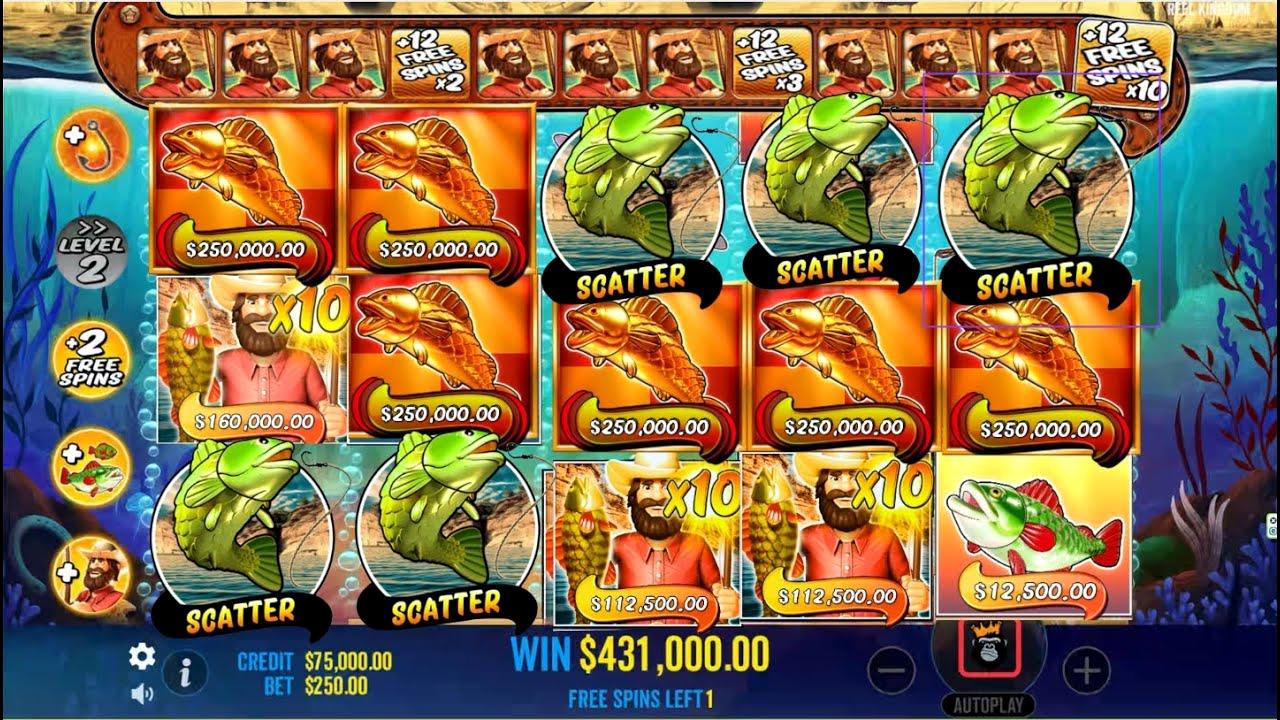
Performance and adaptability across devices
On desktop, continuous auto-spins feel stable because of larger visuals and consistent frame rates. On mobile, auto-spins can be more convenient thanks to single-handed play and reduced tapping. If your build allows lower animation intensity or battery-saving options, they pair well with longer auto-blocks. Regardless of device, the underlying results per round are the same; what changes is comfort, visibility of cues and fatigue from repeated input.

A brief evolution of auto-spin features
-
Auto-spins started as a pure convenience toggle. Over time, slot UIs introduced more safeguards like loss caps, single-win caps and stop-on-feature. Big Bass Bonanza versions typically include a subset of these controls so players can pre-define a session structure. Exact sets differ between builds; precise values can vary by version and operator.
When auto-spins make sense (and when manual is better)
A short, non-exhaustive list to anchor decisions:
- Choose auto-spins if: you want a fixed number of rounds, prefer steady tempo, plan to observe outcomes without constant input, or your device makes repeated tapping uncomfortable.
- Choose manual spins if: you like to change stake frequently, want to savor audiovisual pacing, intend to stop based on feel rather than a counter, or you’re still learning the game’s rhythm.

Conclusions
-
The choice is not about return or volatility; it’s about pacing, attention and control. Auto-spins fit preplanned blocks with clear stop rules. Manual spins suit exploratory sessions or players who value granular control and slower tempo. Decide the structure first, then pick the mode that supports it.
FAQ
No. They only automate input.
Quick-spin changes animation timing if available; auto-spin changes how rounds start.
Yes. You can run a small auto-block, pause, then continue manually.
Interfaces differ; precise options may vary by version and operator.
No. It affects comfort and UX, not outcomes.
If available to you, yes; it helps calibrate pace and settings.